



Traffic Flow Lab
Traffic Flow Lab gives you direct control over BeamNG.drive traffic density from a compact movable UI app.
The Bypass mod removes the default 15-car limit in the game and increases it to 200.


Main features
- Set moving traffic and parked vehicles from 0 to 200.
- Choose police density from 0% to 100%. Police vehicles replace civilian vehicles inside the selected total.
- Concentrate traffic around the player with an adjustable 150–1000 m radius.
- Recycle eligible traffic left behind the camera from a configurable 50–200 m threshold.
- Four vehicle profiles: Standard, Light, Wheels Only and Minimal.
- Two driving modes: native BeamNG AI and an optional conservative Minimal AI mode for compatible civilian traffic.
- Pause or resume traffic without deleting the fleet.
- Built-in 20-second FPS and frame-time comparison tools.
- French and English interface with a compact title-bar mode.

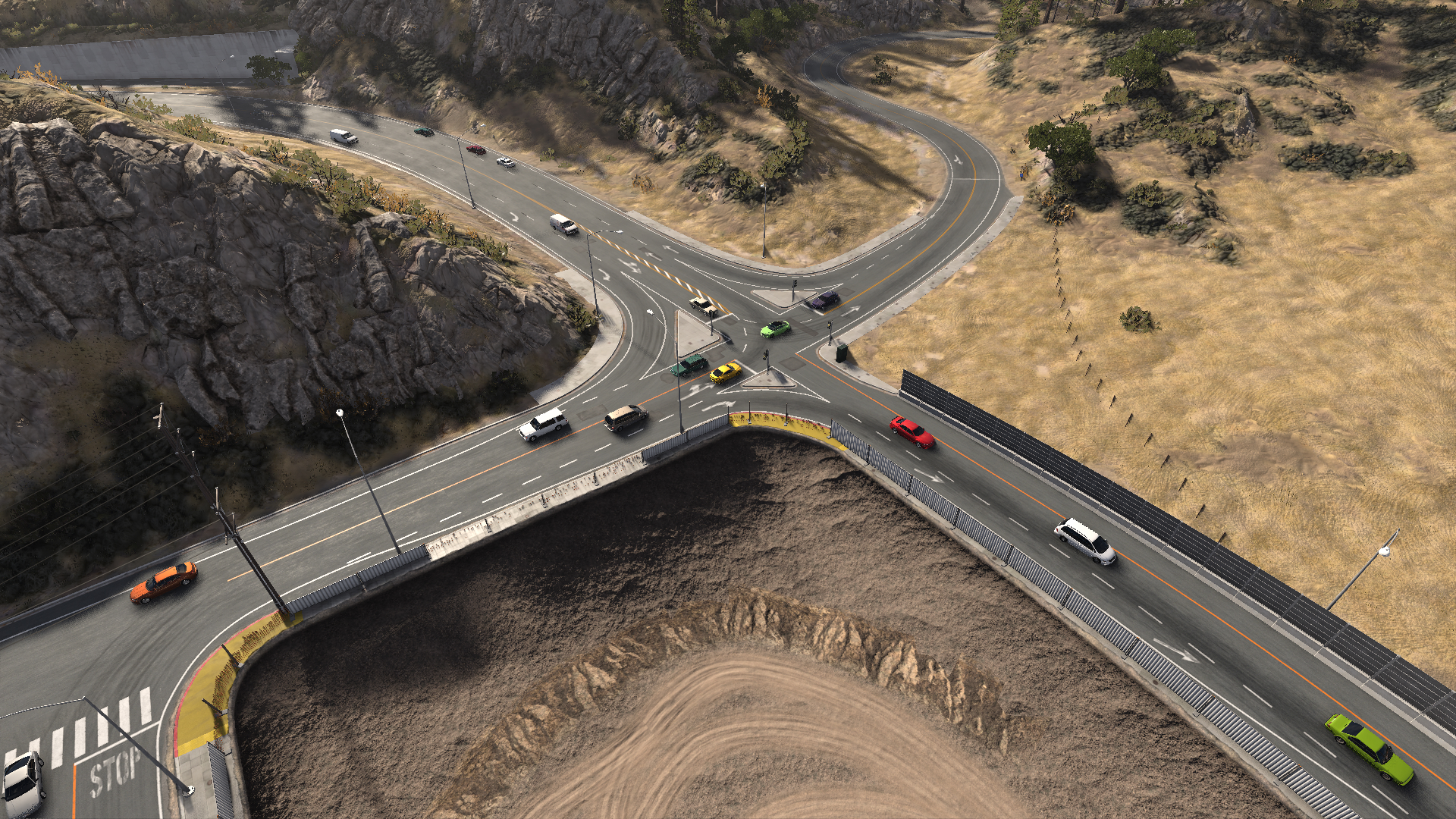
100% police coverage, 12 cars

Heavy and intense flow

Normal heavy flow
How to use
- Install the ZIP and load a map in Freeroam.
- Traffic Flow Lab appears automatically in the UI.
- Choose the moving and parked vehicle totals. Slider changes are applied only when released.
- For denser civilian traffic, select Minimal and use "Apply to current traffic" to rebuild compatible civilian vehicles.
- Start with 10–12 vehicles when comparing profiles, then increase the amount gradually for your hardware.
Police and performance
Police cars keep their complete official configurations, native AI, lights, sirens, pursuits and full vehicle physics. A high police percentage can therefore cost more CPU than the same number of simplified civilian traffic vehicles. Minimal does not simplify police cars.
The 0–200 sliders are adjustment ranges, not a promise that every computer or map can run 200 vehicles. No claim is made that 150 vehicles will run at the same CPU load as 45. Collisions, damage and deformation remain enabled, although Minimal uses less detailed wheel and accessory physics.

Compatibility
- Developed and tested with BeamNG.drive 0.39.4.
- Freeroam only.
- Only BeamMP sessions are intentionally blocked.
- Does not overwrite original game files.
- The optional external Windows hardware monitor is only required for CPU/GPU percentages. FPS and frame-time measurements work without it.
Version 0.6.1
- Added an inner density zone equal to 72% of the selected traffic radius. It targets 75% of compatible civilian traffic near the player.
- At a 150 m radius, hidden outer civilian cars are progressively recycled toward valid road positions about 60–85 m ahead, with a 108 m inner target and 120 m hysteresis boundary.
- Adapted placement spacing to tight radii: about 10 m between searches and 14 m occupancy clearance at 150 m.
- Added a live "Nearby civilians: current / target" diagnostic in the traffic density panel.
- Visible, damaged, player-controlled, police, parked and special-role vehicles remain protected from this density balancing.
- Added Minimal, Recommended and Performance quick presets at the top of the panel.
- Each preset applies the vehicle count, exact police target, traffic radius, 50 m rear renewal, Minimal civilian AI and the 6-segment Minimal civilian physics profile together.
- Existing compatible civilian traffic is rebuilt automatically; parked cars and full-physics police vehicles are preserved.
- Traffic and police sliders now wait for mouse or keyboard release before applying changes.
- Added police density controls, compact UI, closer traffic placement and rear recycling down to 50 m.
- Improved Minimal civilian traffic handling, diagnostics and performance measurements.
Credits and license
Traffic Flow Lab is an independent derivative of Traffic Flow 0.2.0, released under the MIT License. Copyright 2026 Traffic Flow contributors.
Please report the BeamNG version, map, selected profiles, vehicle counts and other active traffic mods when reporting a problem.

Beta Traffic Flow and Density Lab 0.6.9
Dense, configurable traffic with police density, smart recycling and optional lightweight vehicles
Tags:


